NEW RELEASE • PATENT-PENDING TECHNOLOGY
HTF™ Printing System
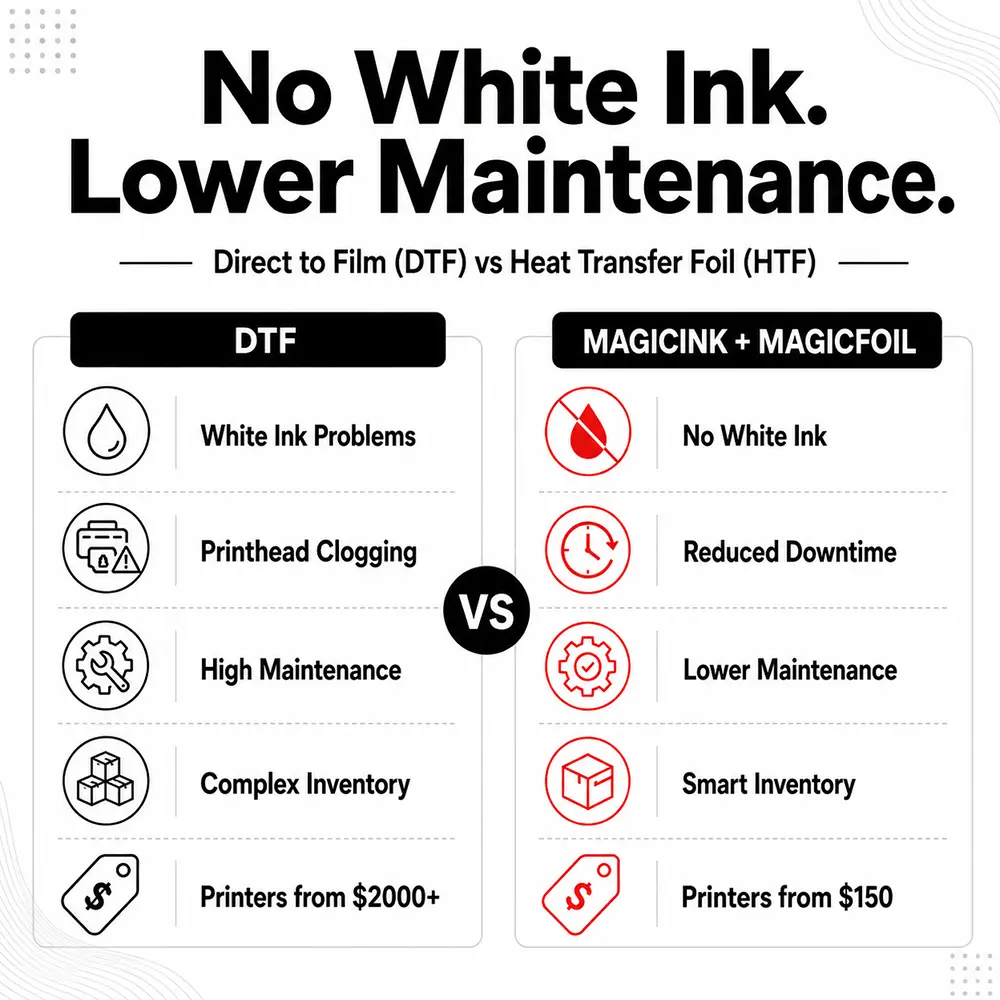
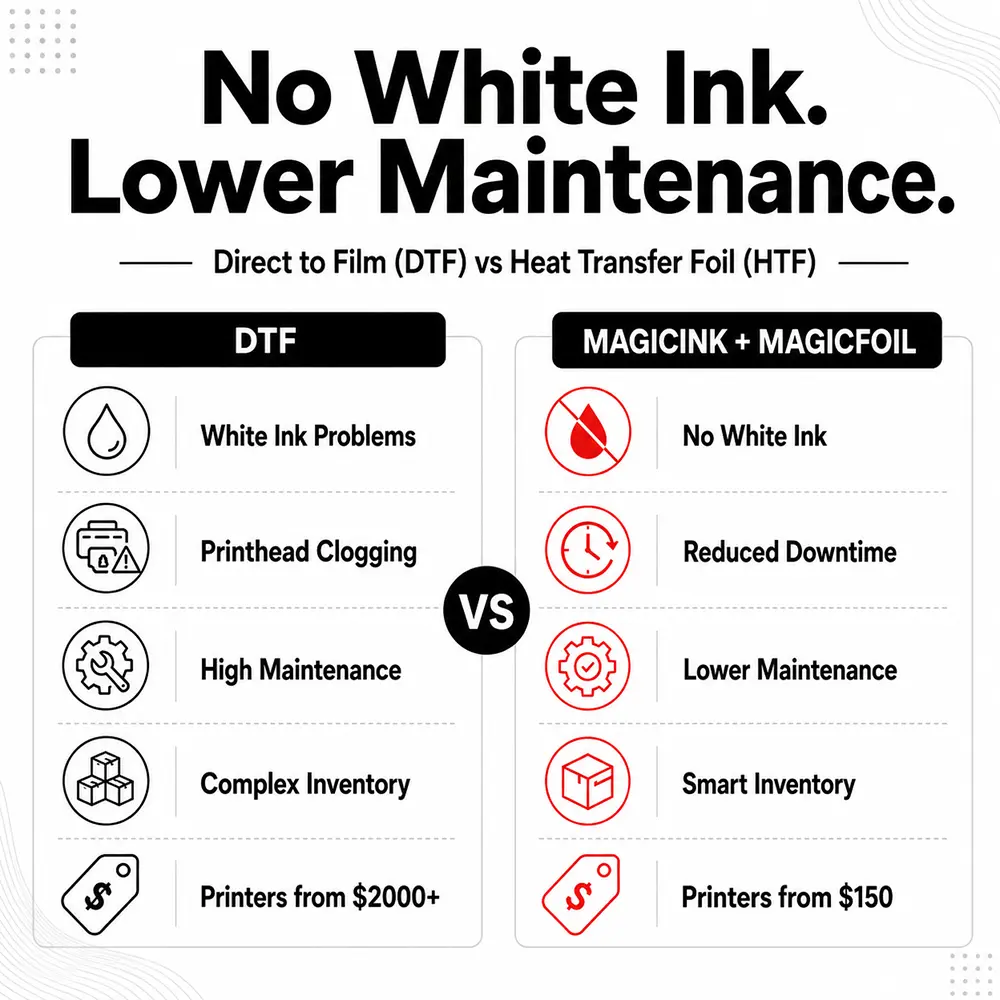
The first-ever clog-free, maintenance-free transfer printing system of its kind.
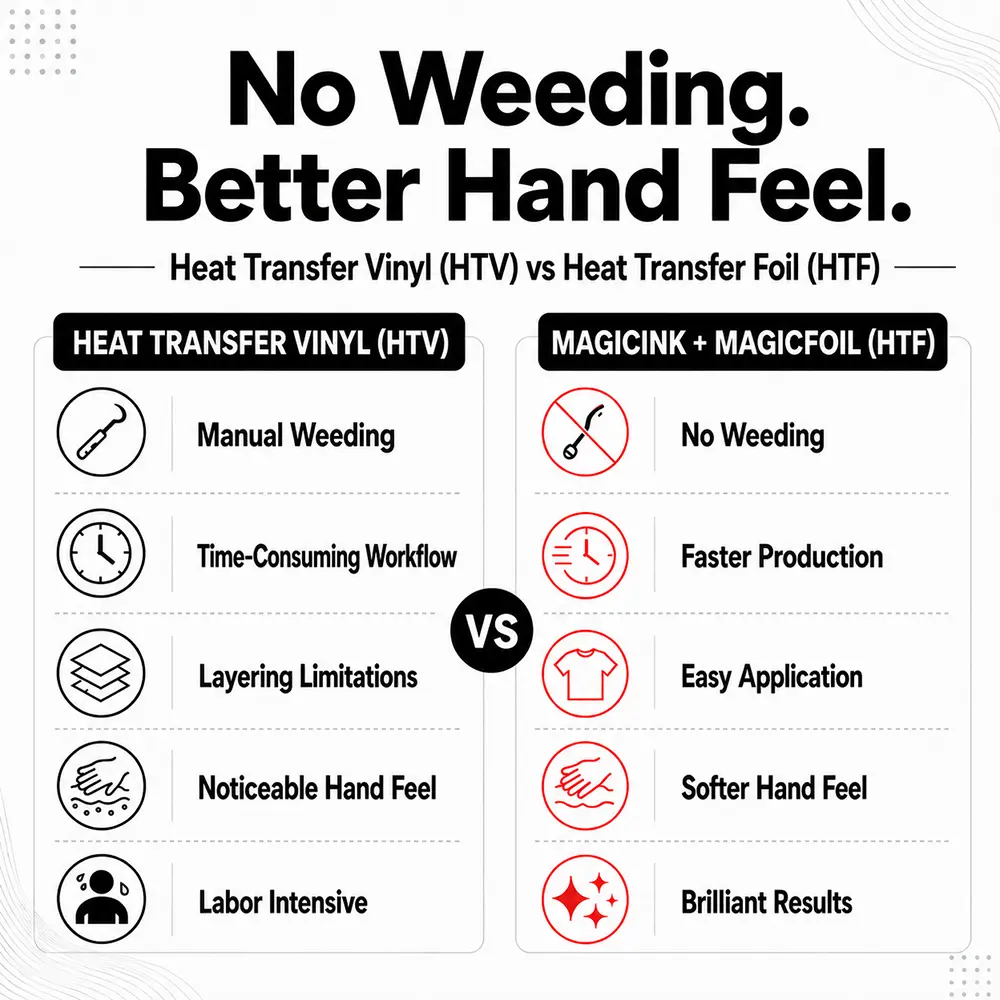
- Clog-free, weedless, DTF-style printing with complete startup equipment + consumables for under $1,000.
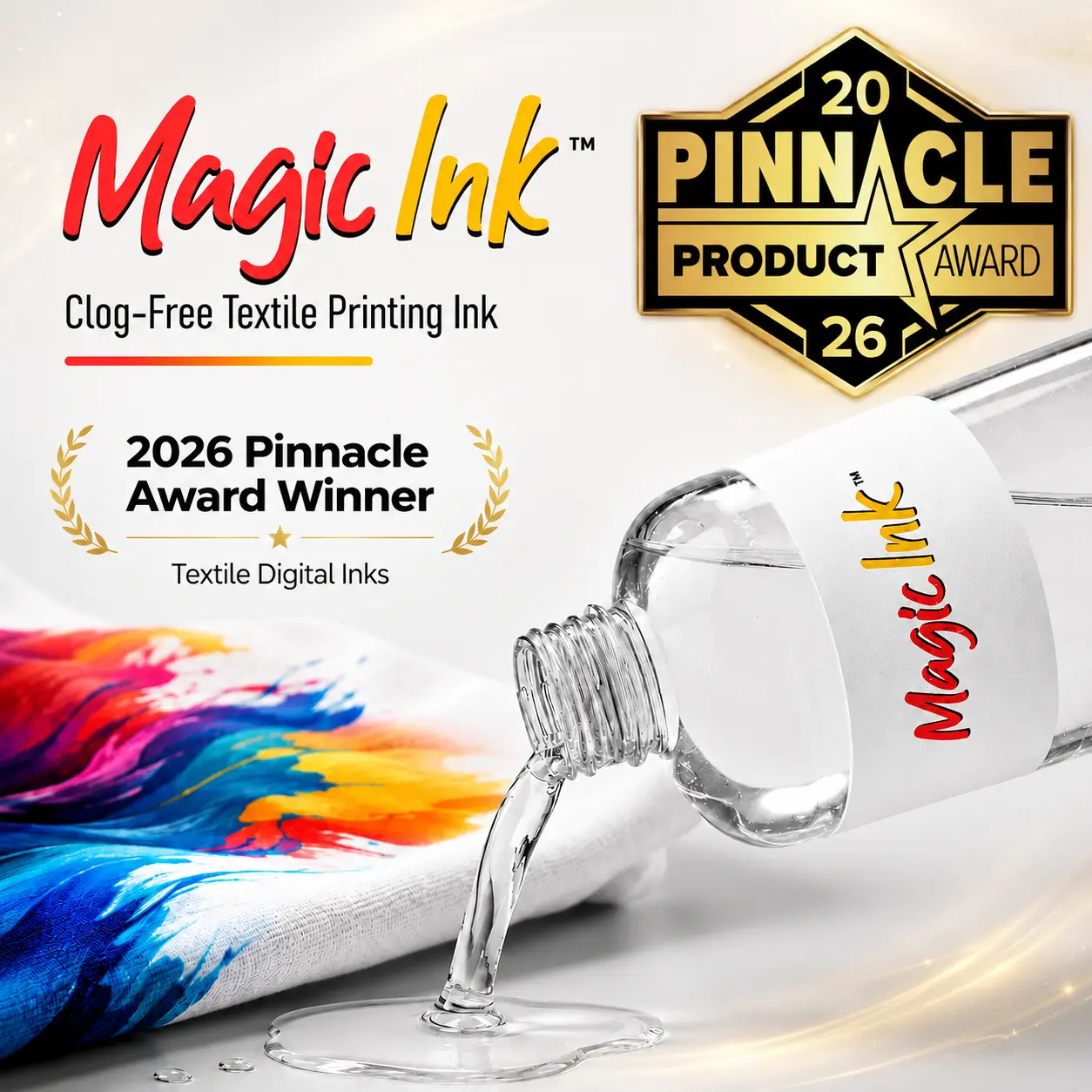
- Powered by patent-pending MagicInk™, MagicPowder™, and MagicFoil™.
- Shipping Now: Orders ship fast.
- Launch Special: Pricing subject to increase soon.
- FREE SHIPPING on orders placed today!
- Limited promo pricing allocation: Once launch inventory sells out, pricing resets.
✅ Patent-pending, clog-free & maintenance-free
✅ Perfect for apparel creators 🎁
MagicLine™ HTF™ ONE - Clear-Ink Supplies Bundle (for Canon PIXMA Printers)
Supplies-Only Bundle - Use with Your Own Compatible Canon Printer
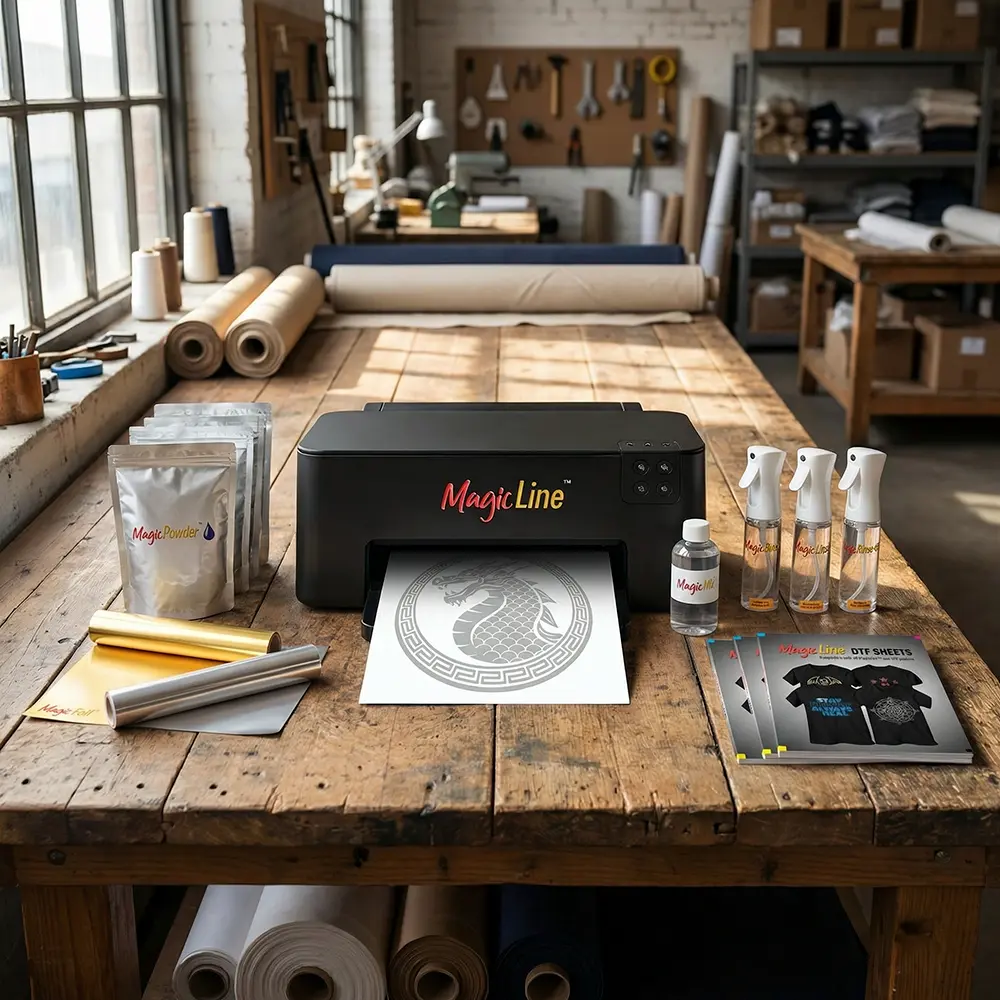
This MagicLine™ DTF ONE Supplies Bundle is designed for users who already own (or plan to purchase) a compatible Canon PIXMA inkjet printer. It includes everything you need for the patent-pending, clog-free, clear-ink DTF workflow except the printer itself.
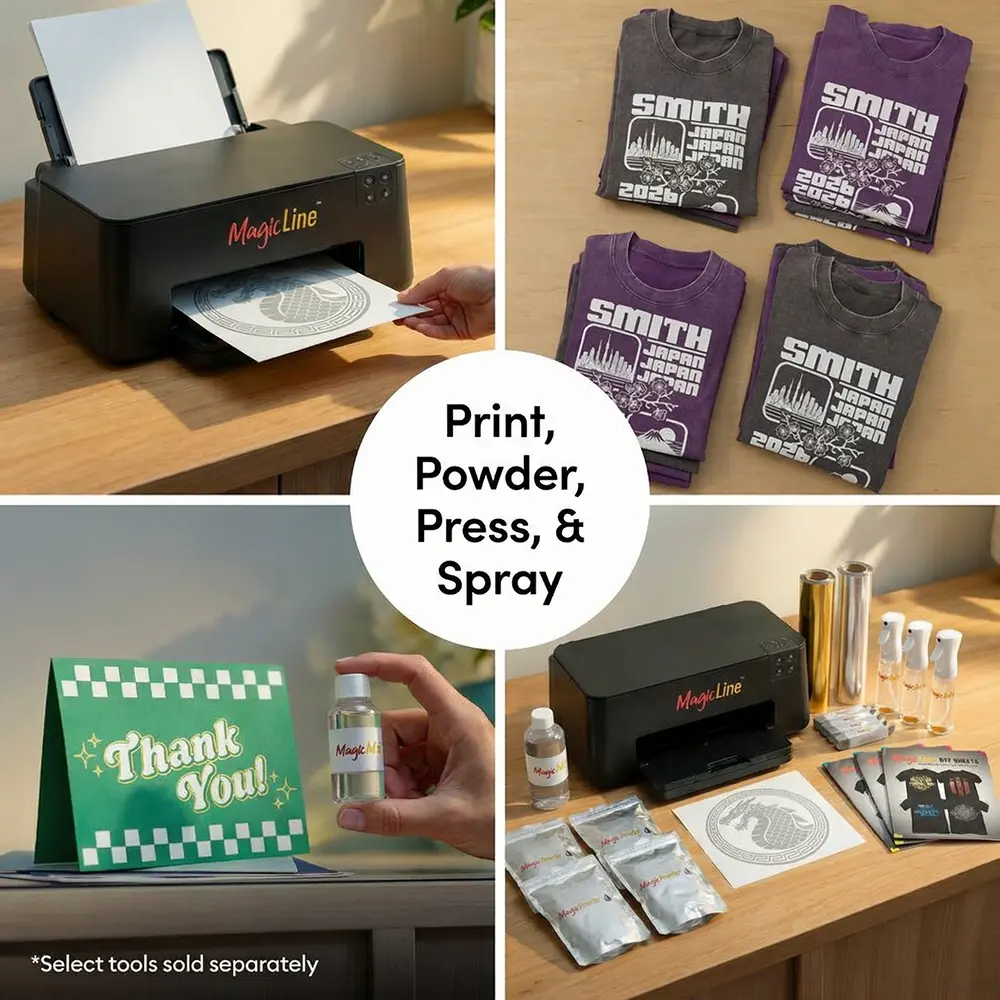
Print with transparent MagicInk™, apply MagicPowder™, and finish with MagicFoil™ or black-only transfers for a maintenance-friendly, weedless, one-color transfer system.
See It in Action
Watch this short marketing video to see the MagicLine™ HTF 1-Step Foil process in action:
Compatible Canon PIXMA Printer Models
This bundle works with the following Canon PIXMA inkjet printers that use separate CMYK ink tanks:
- Canon PIXMA TR7520
- Canon PIXMA TR8520
- Canon PIXMA TR8620
- Canon PIXMA TR8622
- Canon PIXMA TS702
- Canon PIXMA TS6120
- Canon PIXMA TS6220
- Canon PIXMA TS6320
- Canon PIXMA TS8120
- Canon PIXMA TS8220
- Canon PIXMA TS8222
- Canon PIXMA TS8320
- Canon PIXMA TS8322
- Canon PIXMA TS9120
- Canon PIXMA TS9500
- Canon PIXMA TS9520
- Canon PIXMA TS9521C
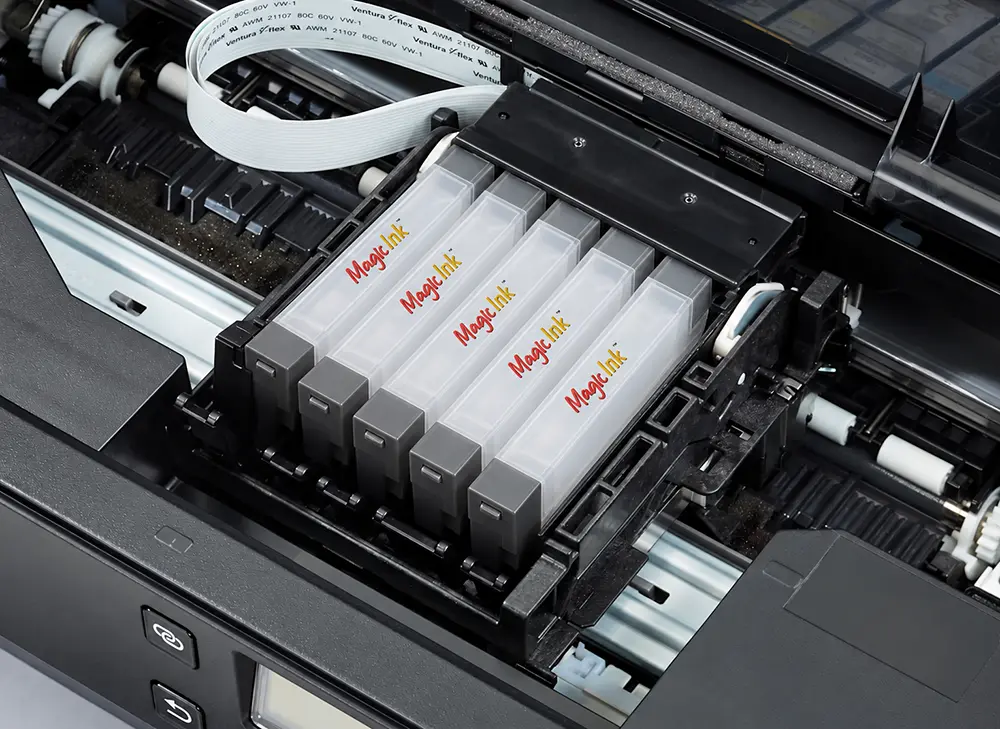
These models are ideal because they use separate CMYK ink tanks, which can be replaced with MagicInk™ transparent cartridges for clog-free output.
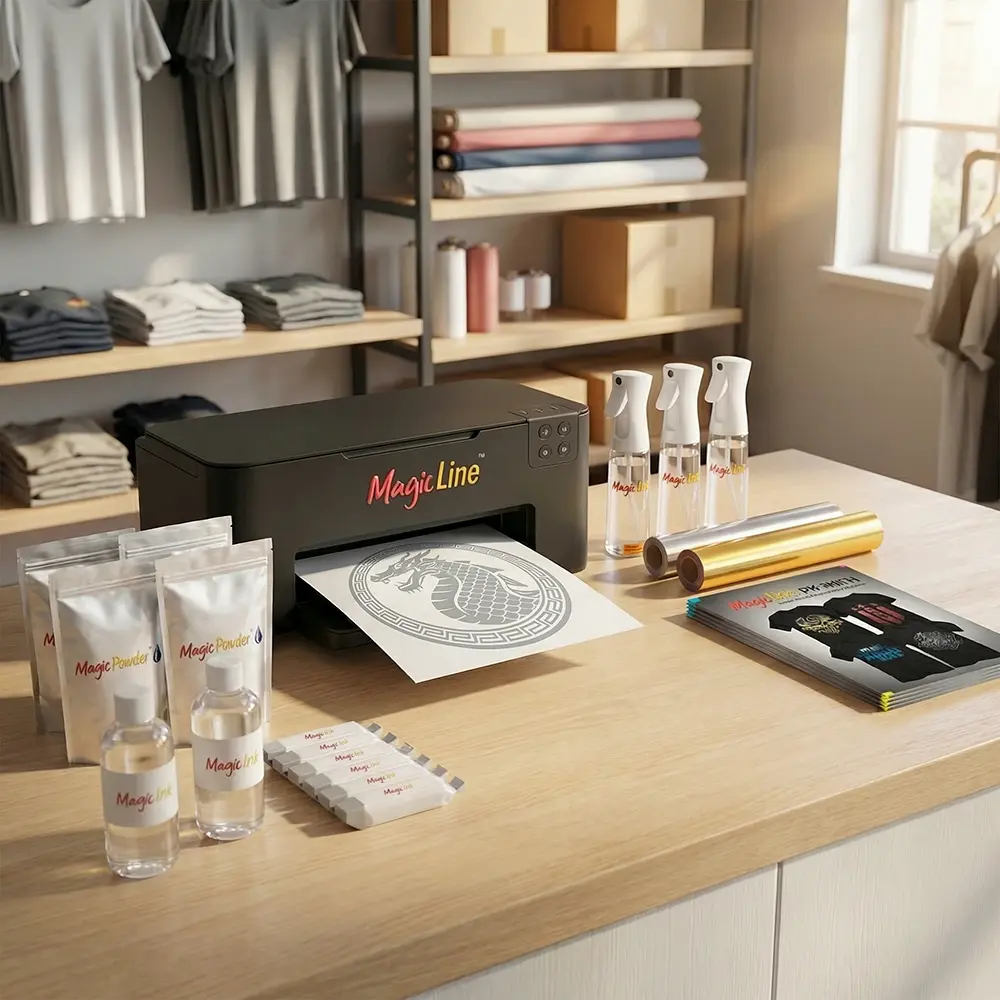
What's Included (Supplies Only - No Printer)
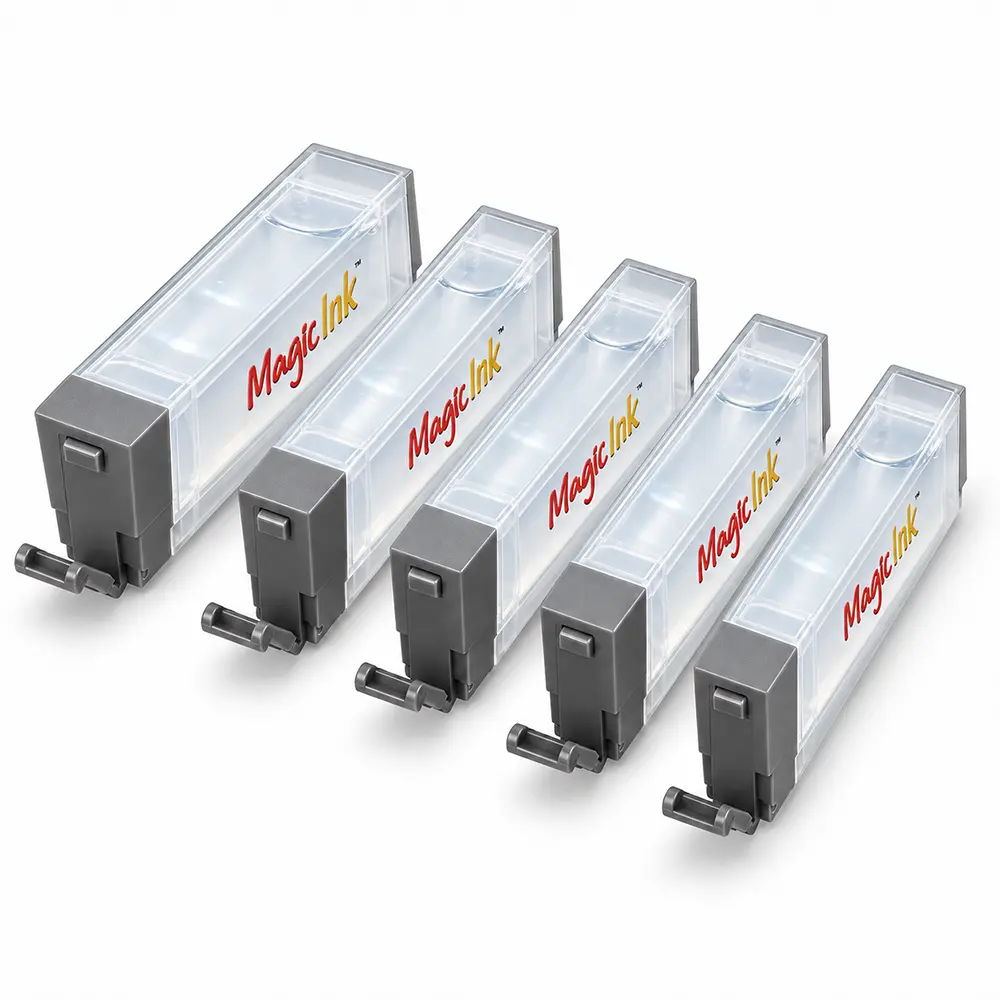
- 5 x MagicInk™ Cartridges (1 full set, labeled to match your Canon tank configuration)
- 1 x MagicPowder™ Clear (1.75 lbs) - Creates the adhesive layer needed for foil bonding and one-color transfers using MagicFoil™.
- 1 x MagicPowder™ Black (1.75 lbs) - Perfect for producing single-color black transfers without foil.
- 50 x MagicLine™ DTF Film Sheets (A4 size, 8.25" x 11.75")
- MagicLine™ Accessories Kit - Includes MagicDust-Off™ Spray & Brush, MagicRinse™ Spray, and MagicBond™ Spray for professional-grade transfer finishing.
- Quick-Start Setup Guide
Note: MagicInk™ cartridges use transparent, pigment-free chemistry designed to minimize clogging in compatible Canon printers. Cartridge labels simply match your printer's tank positions.
Use of non-Canon inks may void your Canon printer's warranty.
Not Included
- A compatible Canon PIXMA printer (see list above)
- A standard heat press for transferring to your shirt/apparel
- A heat station for curing the transfer sheet with powder
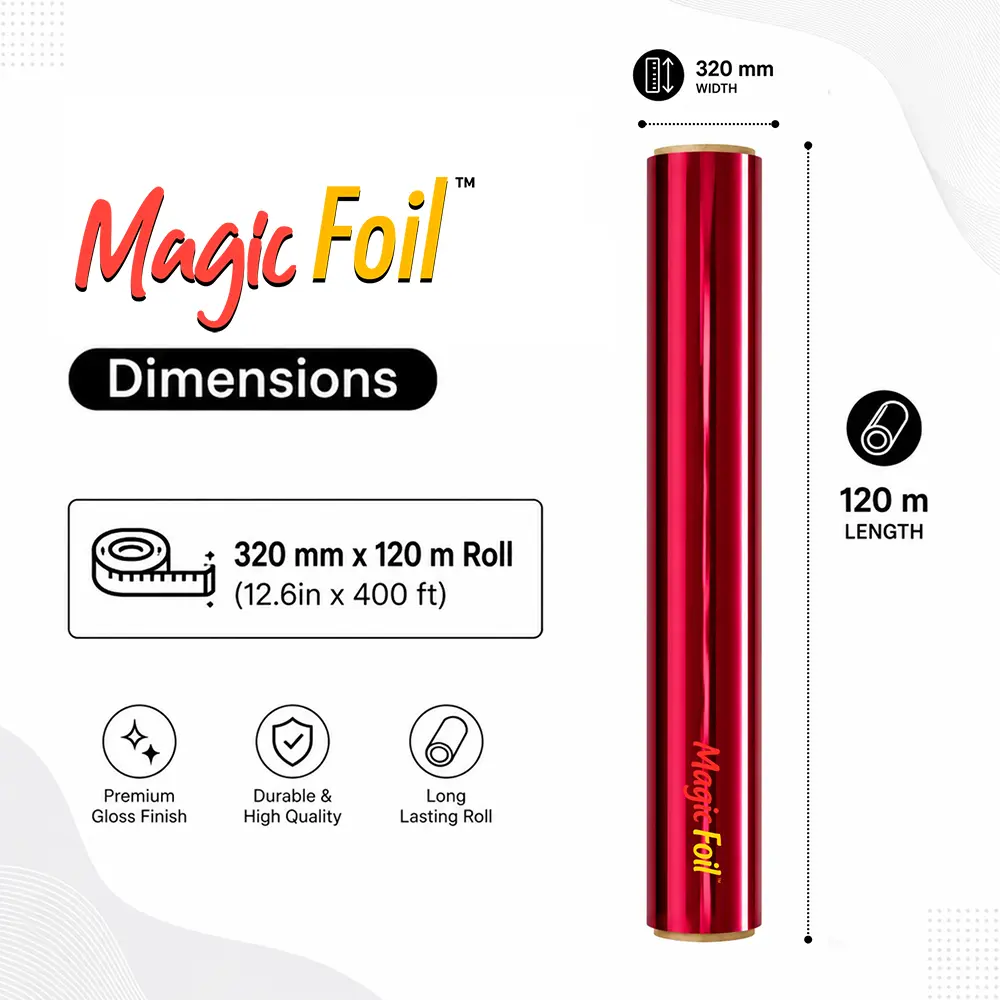
- MagicFoils™ (for colors, metallics, holographics, and other specialty effects)
- A Windows or Mac computer and any basic software to open and print your images: Microsoft Word, Adobe Photoshop, Adobe Illustrator, CorelDRAW, Affinity, Preview (Mac), Windows Photos, Canva (exported PNG/JPG/PDF), and more.
✔ What Artwork Works Best with MagicLine ONE HTF Transfers
Foil transfers produce a striking metallic finish. For the cleanest, shiniest results, your artwork should be bold, simple, and easy for the foil to adhere to. The clearer the shapes, the stronger the metallic effect.
- Bold logos & text - Strong lettering, badges, and emblem-style graphics look exceptional in metallic foil.
- Silhouettes & solid shapes - Designs like city skylines, animals, holiday icons, and simple illustrations transfer beautifully.
- Clean line art - Medium-to-thick line art (not thin, ultra-detailed lines) creates crisp foil definition.
✔ Preparing Your Artwork (Simple Steps)
Foil bonds only to the areas printed in clear ink. Preparing your artwork properly ensures a clean, professional transfer:
- Remove backgrounds - Your file must have a transparent background (no white boxes around the art).
- Use solid shapes - Avoid gradients, shadows, feathering, or blurs-these do not foil correctly.
- Bolder is better - Tiny details or hairline strokes may not transfer well. Simplify where possible.
- Prepare the image in MIRROR mode - All foil transfer prints must be flipped horizontally before printing.
If you are working from a photo or a highly detailed illustration, simplify the design into a bold graphic or silhouette for the best foil performance. When in doubt, think simple, bold, and graphic-that's where foil really shines.
Examples of Ideal Artwork Types
These are real examples of designs that foil well:
Expected Foil Output (Gold & Silver are shown, but many other color finishes can be accomplished too)
Below are examples of how the same artwork looks once printed and foiled with the MagicLine ONE HTF System:
 Free Shipping on Qualifying Orders see details |