MAGICLINE TRANSFER SUPPLIES
MAGICLINE FEEDASSIST™
DTF Transfer Sheets
Less feeding frustration.
More time creating.
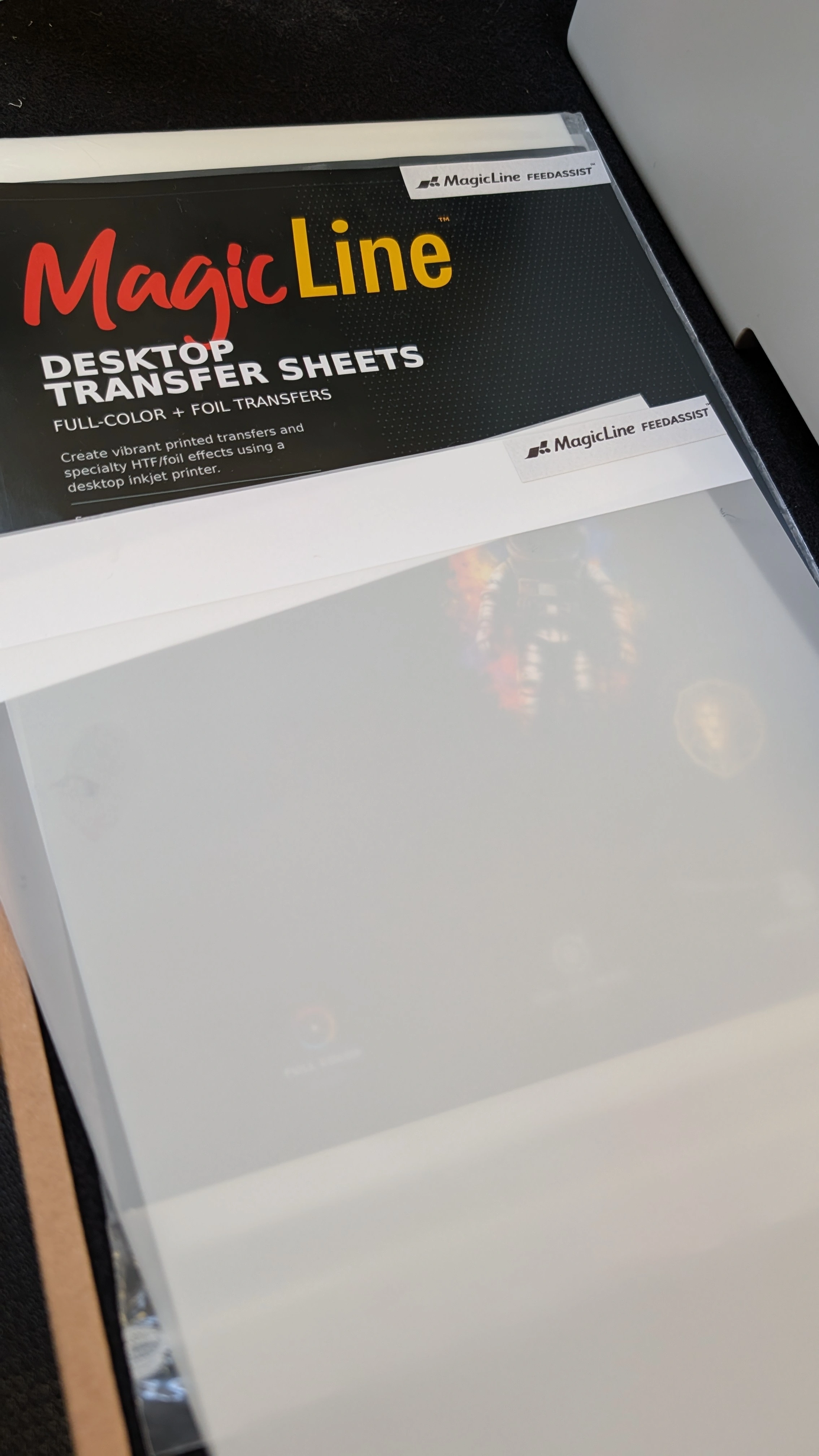
Your design is ready. Your printer should be, too. MAGICLINE FEEDASSIST™ sheets help compatible printers grip and recognize transfer film so you can get past frustrating feeding problems and get on with your next project.
100 SHEETS FEED-ASSIST DESIGN
Printer feeds paper, but struggles with DTF film?
Transfer-film feeding can be a stumbling block in desktop garment printing. A compatible printer may print perfectly on regular paper yet struggle to pick up or recognize a transfer sheet. Repeated loading attempts interrupt your work before the design even reaches the film.
MAGICLINE FEEDASSIST™ DTF Transfer Sheets are designed to address that first step: helping the printer grab and feed the sheet. They are especially useful for compatible bottom-tray printers that need assistance handling transfer film. This 100-pack is a practical supply for personalized apparel, samples, logos and small production runs.
01 / FEED WITH CONFIDENCE
Help your printer grip film
Feed assistance supports sheet pickup in compatible printers that have difficulty grabbing standard transfer film.
02 / GET PAST THE START
Support film recognition
Designed to help with the grip and recognition challenges that can stop a transfer-printing job before it begins.
03 / KEEP CREATING
A practical desktop upgrade
Choose a transfer sheet made for feeding assistance when standard film is holding up your compatible desktop workflow.
Is FEEDASSIST™ right for your printer?
| Your setup | Where FEEDASSIST™ fits |
|---|
| Bottom-tray printer | A strong reason to consider FEEDASSIST™. These printers may need assistance to grip and feed transfer sheets. |
| Standard film will not feed reliably | Choose feed-assist sheets when film pickup or recognition is the obstacle in an otherwise compatible setup. |
| Top- or rear-feed printer | These printers typically need less feeding assistance. Select your sheet based on the exact printer and transfer workflow. |
Feeding assistance and printer compatibility work together. FEEDASSIST™ helps with film handling; the printer and ink must still be suitable for your chosen transfer process. Feeding performance depends on the exact model, loading method and printer condition.
A smoother start to the MAGICLINE DTF Hack
Bring full-color garment decoration to a compatible desktop pigment inkjet with the MAGICLINE transfer process. FEEDASSIST™ addresses the feeding stage, while the matching ink, powder and finishing products complete the transfer.
In the compatible pigment workflow, your printer uses pigment-based cyan, magenta, yellow and black inks. There is no white ink, DTF ink conversion, cutting or weeding. The appropriate MagicPowder supplies the adhesive layer and, when needed, the white backing behind your printed colors.
Ink check: All four CMYK colors must be pigment-based for this workflow. Pigment black combined with dye-based color inks is not sufficient. See the MAGICLINE Full-Color Desktop Transfer Systems guide for current printer compatibility.
From sheet to shirt
- Load and print. Load the FEEDASSIST™ sheet according to its loading instructions and print mirrored artwork using the settings for your compatible MAGICLINE workflow.
- Powder and cure. Apply the appropriate MagicPowder and cure as directed. Clear powder suits compatible transfers onto white garments; White or Soft White powder provides an opaque backing when needed.
- Press and peel. Apply the transfer with a heat press, following the specified temperature, time, pressure and peel instructions for your selected materials.
- Finish with MagicSeal FUSION. Complete the recommended finishing process to improve wash durability and wash-and-wear protection.
Pack details
| Brand / product | MAGICLINE FEEDASSIST™ |
|---|
| Product type | DTF transfer sheets with feeding assistance |
|---|
| Sheet sizes | A4 - 210 x 297 mm (approximately 8.27 x 11.69 inches) and A3 - 297 x 420 mm (approximately 11.69 x 16.54 inches) |
|---|
| Pack quantity | 100 sheets |
|---|
| Best for | Compatible desktop printers that need help gripping or recognizing transfer film, particularly bottom-tray models |
|---|
| Included | Transfer sheets only. Printer, inks, powder, finishing products and heat equipment sold separately. |
|---|
Follow the current sheet-loading and transfer-process instructions, including printing, curing, pressing, peeling and finishing requirements. Confirm suitability for your exact printer and ink before use. Keep sheets flat, dry and protected from dust; handle the printable surface carefully. Final transfer performance depends on the complete printing, application and care process.
 Free Shipping on Qualifying Orders see details |