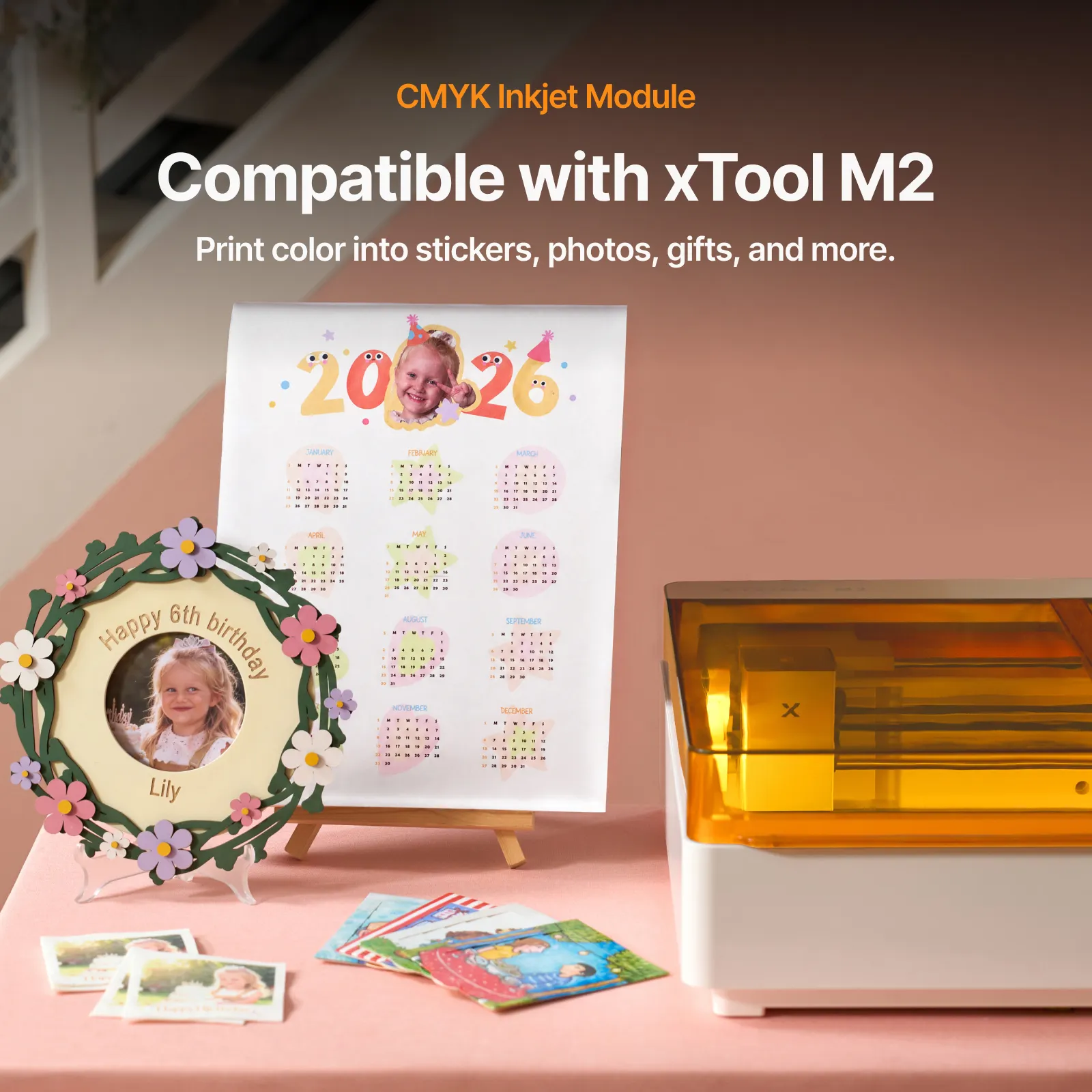
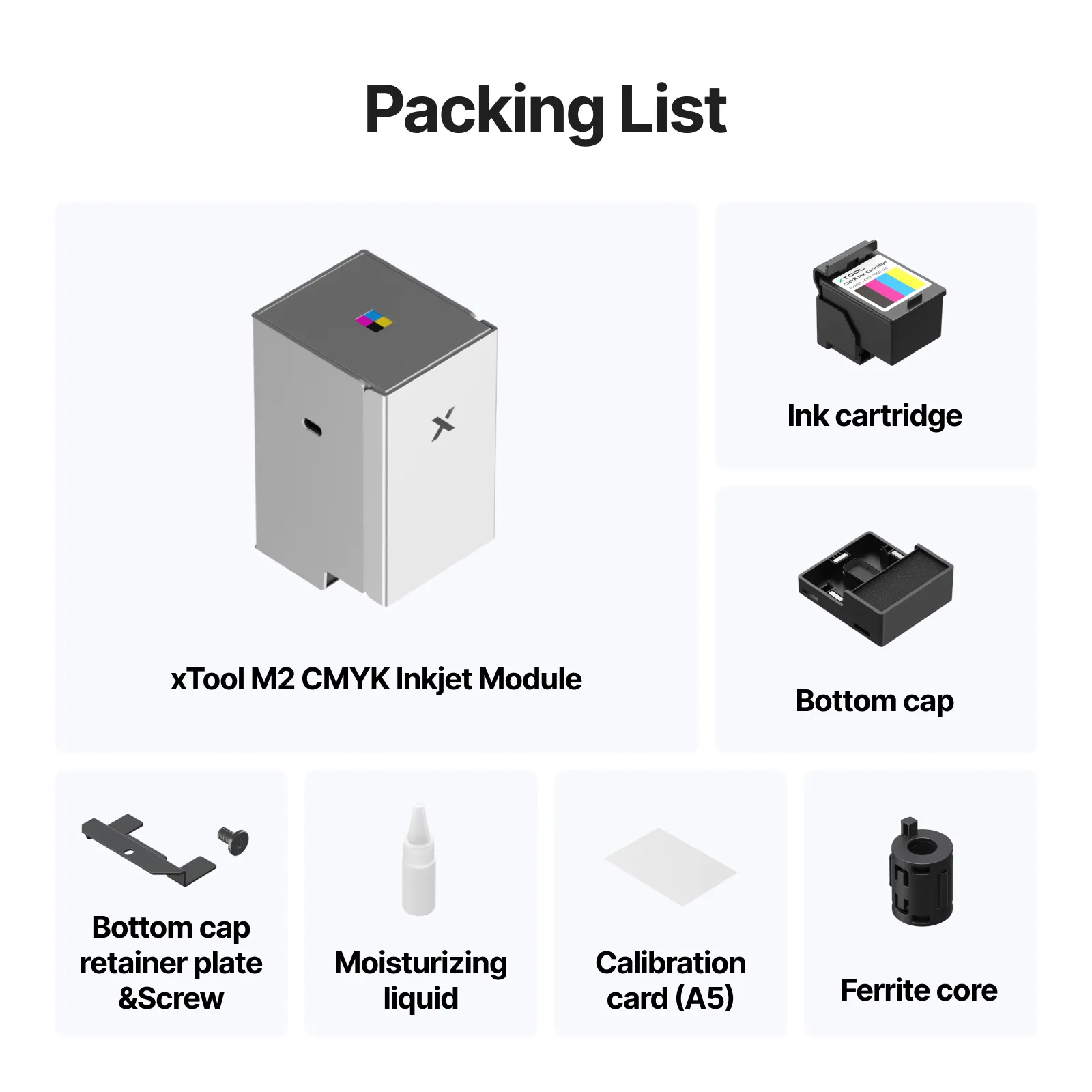
xTool M2 CMYK Inkjet Printing Module The xTool M2 CMYK Inkjet Printing Module adds full-color printing capability to the xTool M2 Color Craft Laser system, allowing users to print vibrant CMYK artwork directly onto compatible materials before cutting or engraving.
Designed exclusively for the xTool M2 Color Craft Laser series, this module helps transform the xTool M2 into a complete print, cut, and engrave creative production system.
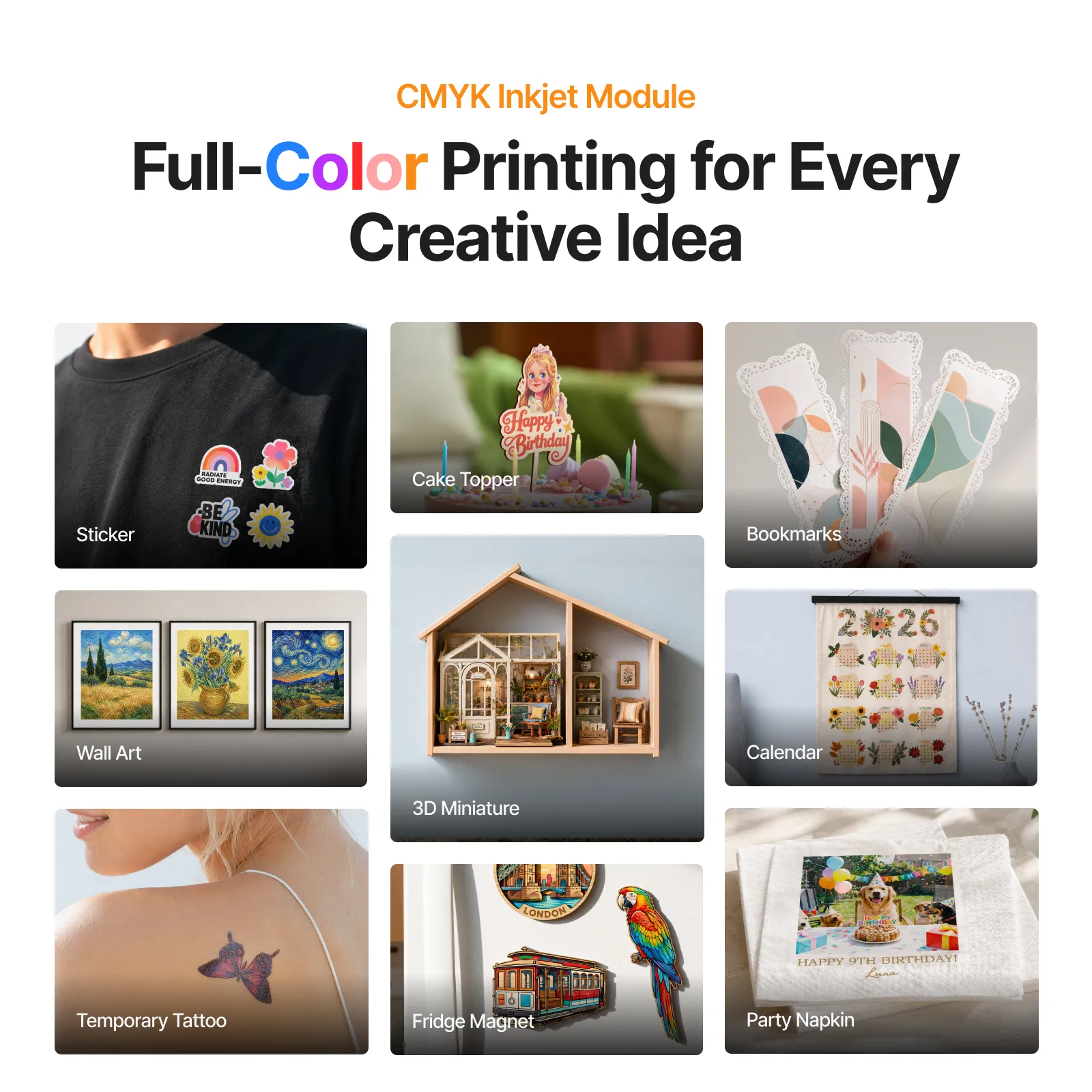
With the CMYK Inkjet Printing Module, users can create colorful stickers, printed tags, personalized gifts, packaging products, craft projects, wood designs, event items, school products, and small business merchandise from one integrated workflow.
This module is ideal for customers who already own an xTool M2 Starter Bundle and want to upgrade into full-color print-and-cut production without purchasing a completely new machine.
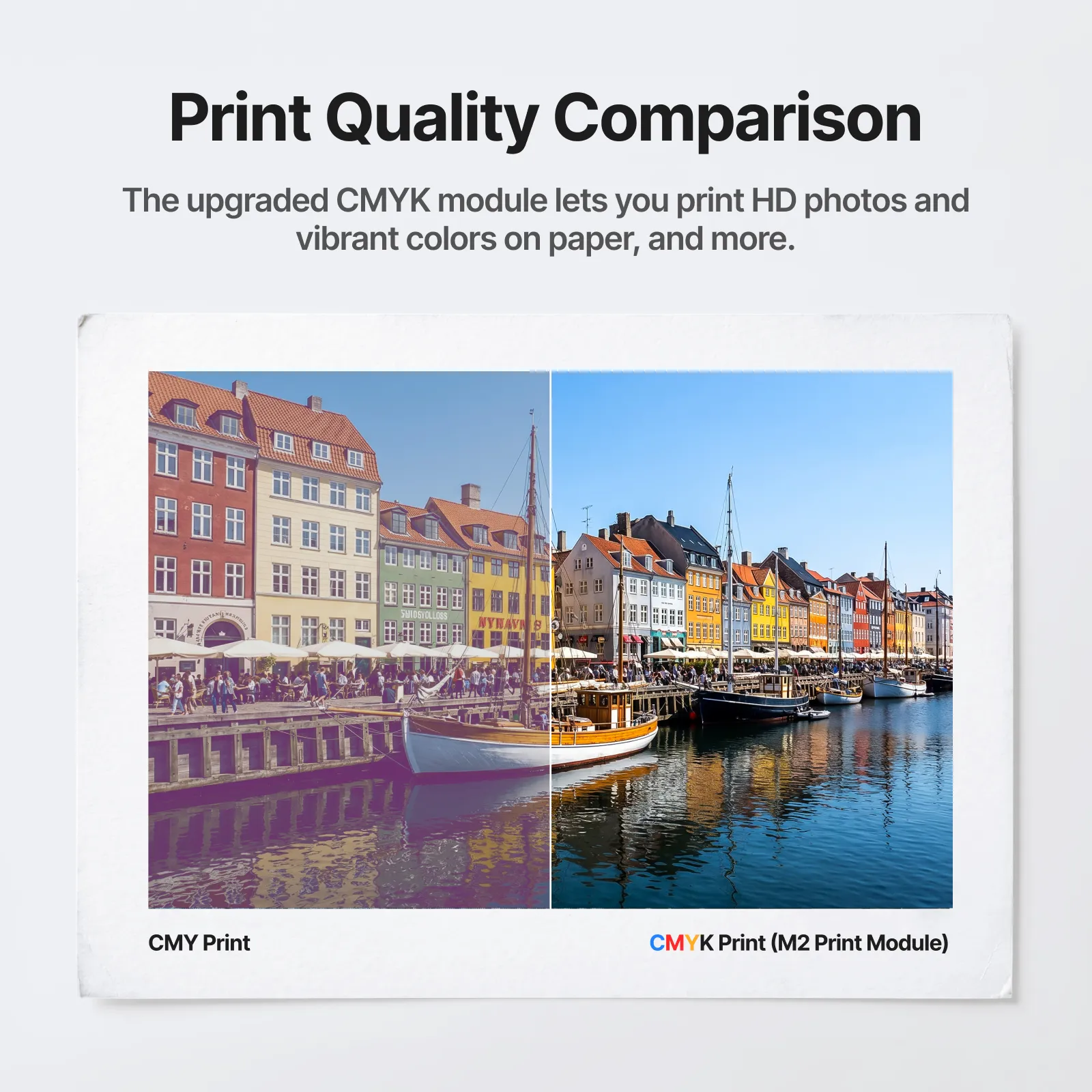
Add Full-Color Printing to Your xTool M2 The xTool M2 CMYK Inkjet Printing Module gives your xTool M2 the ability to print colorful graphics, artwork, names, logos, patterns, and product designs onto compatible materials.
After printing, users can use the M2 laser to cut, engrave, score, or finish the project, making it easier to create professional-looking custom products in one machine.
Full-color CMYK printing Print-then-cut product creation Custom printed gifts Sticker and tag production Printed craft products Small business personalization workflows Perfect Upgrade for xTool M2 Starter Bundle Owners If you purchased the xTool M2 Starter Bundle, this module is the key upgrade that adds color printing capability to your machine.
The Starter Bundle is focused on laser cutting and engraving. Adding the CMYK Inkjet Printing Module allows users to expand into colorful printed products, print-and-cut projects, and more advanced craft applications.
This is a smart upgrade for users who want to move beyond laser-only projects and create more colorful, retail-ready products.
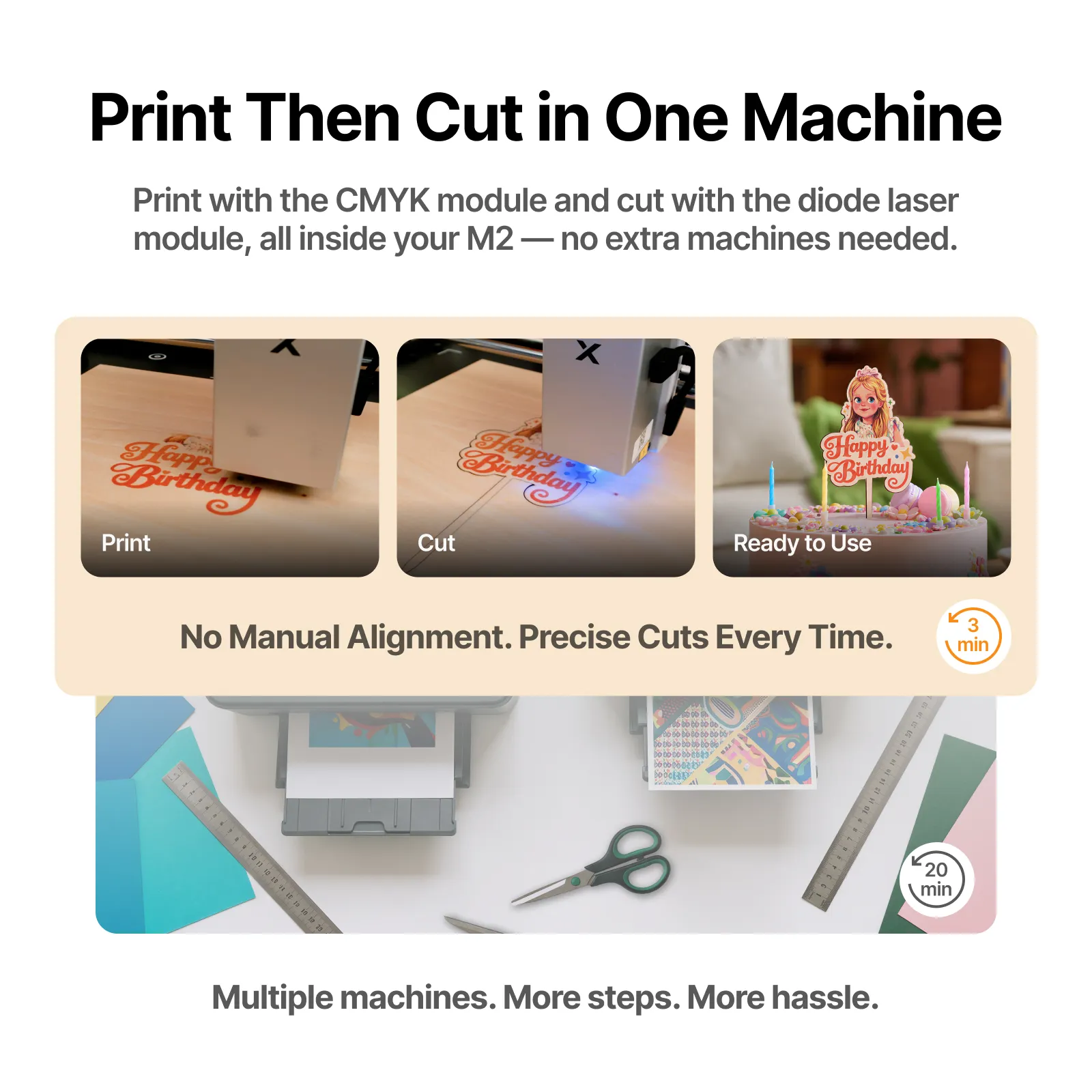
Print, Cut, and Engrave in One Workflow Traditional craft workflows often require a separate printer, separate cutter, manual alignment, and extra handling between machines.
With the xTool M2 CMYK Inkjet Printing Module, users can print colorful artwork and then cut or engrave within the same xTool M2 system, helping reduce alignment errors and simplify production.
Print artwork in color Use the M2 camera system for placement Cut around printed designs Engrave or score as needed Create finished custom products faster Ideal for Sticker and Tag Production The CMYK Inkjet Printing Module is especially useful for customers who want to create colorful stickers, product tags, name tags, labels, gift tags, school tags, and event products.
Users can print colorful graphics, names, logos, or designs, then use the laser to cut custom shapes around the artwork for a clean finished product.
Creative Applications Custom stickers Printed name tags Product tags Gift tags Party favors Wedding products Event decor Printed wood gifts Printed paper crafts School projects Packaging inserts Business branding items Personalized gifts Etsy products Craft fair products Compatible Project Materials The CMYK Inkjet Printing Module is designed for compatible print workflows on popular craft and creative materials.
Paper Cardstock Sticker materials Wood Felt Fabric Compatible coated materials Compatible craft materials Simple Software-Guided Setup The xTool M2 CMYK Inkjet Printing Module is installed and calibrated through xTool software.
Before processing, users complete the software-guided calibration steps, including material preparation, Z-axis calibration, nozzle check, and processing setup.
This helps ensure that the print module is properly aligned before creating print-and-cut projects.
Why Add the CMYK Inkjet Module? Adds full-color printing to the xTool M2 Expands the M2 beyond laser-only projects Enables print-and-cut product creation Great for stickers, tags, gifts, crafts, and small business products Helps reduce the need for separate printing and cutting machines Works inside the xTool M2 creative workflow Ideal upgrade for Starter Bundle owners Detailed Specifications Product: xTool M2 CMYK Inkjet Printing ModuleFunction: Adds CMYK inkjet printing capability to the xTool M2Compatible Machine: xTool M2 Color Craft Laser seriesPrinting Type: CMYK inkjet printingWorkflow: Print, cut, and engrave with xTool M2Software: xTool software / xTool Studio workflowCalibration: Software-guided calibration required before processingRecommended For: Stickers, tags, printed crafts, personalized gifts, packaging, and small business productsIdeal For xTool M2 Starter Bundle owners Crafters Etsy sellers Gift shops Sticker makers Event product businesses School and classroom projects Craft fair sellers Small business startups Personalization businesses Watch the xTool M2 CMYK Inkjet Printing Module in Action See how the xTool M2 CMYK Inkjet Printing Module adds full-color printing to the xTool M2 workflow for colorful print-and-cut product creation.
VIDEO Why Buy From DTGPRO? Authorized xTool reseller Fast order processing U.S.-based support Training available Financing available Fast U.S. shipping Business startup guidance available Ongoing technical support
 Free Shipping on Qualifying Orders see details |